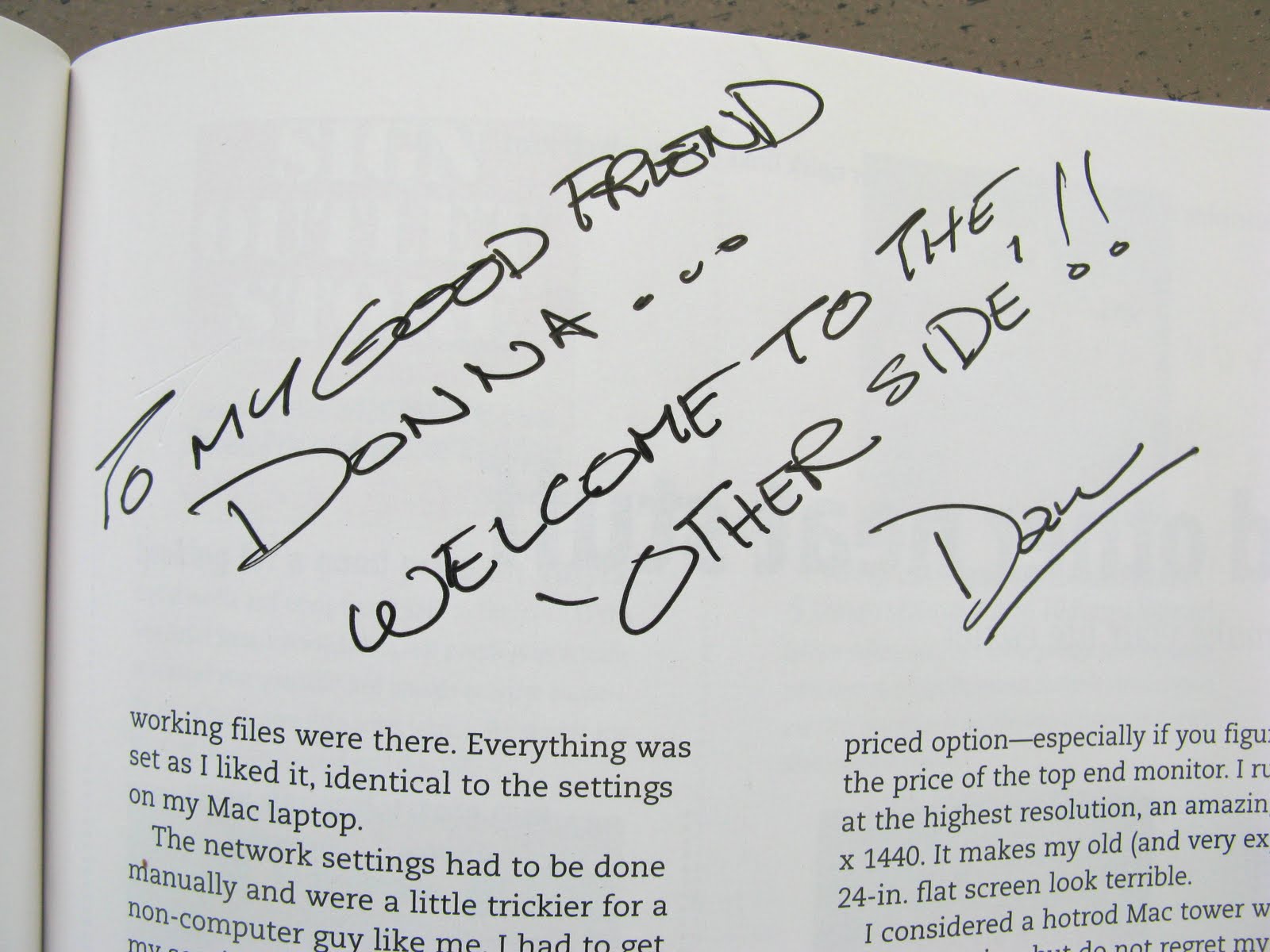
My friend Dan and I have this little 'sparing thing' we do. He's always right in his eyes, but I like to think I'm the one that's REALLY right. So his right vs. my right comes into play with pretty much each conversation we have. In a good humored manner of course. :)
The last right vs. right challenge was the big
'moving from pc to mac' debate. I remember going countless times to Dan's for him to print this, or do that because my dinosaurs just couldn't cut the mustard. Now, just know, this wasn't a PC issue entirely.
To be fair... I was working with old (unfunky) junk.
But ultimately, Dan finally just got tired of hearing me squawk and TOLD me to move to the mac system because of how it transformed his own work production.
I honestly thought I'd never give in. But the day came when I'd had enough myself and needed to walk from a bad situation into the unknown, hoping and praying it was right. Because it didn't much matter where you went for advice. The PC guy likes his stuff better, and the Mac guy thinks his is the best. So, who's right anyway?
This poll told me everything I really wanted to know. Who would know better than someone having used BOTH systems? It was a given. So I went to Dan's and he built the list on what I needed.
Twighlight zone day approached and grabbing my wallet, I head to this unknown environment in the Abbotsford BC Canada location. But with my list in hand, there was nothing to fear. It was a done deal.
The system was easy to order because although you can tweak a few components to suit, basically a mac system comes as package A, B or C, etc. That narrowed things down ALOT. It was honestly the easiest most painless purchase I've made to date. Choosing which dog food to switch to next proved to be waaay more difficult.
I immediately felt... elation? Just walking into the store itself told me I was making a high end purchase. But that could possibly stem from having NOT walked into a computer store for nearly 15 years. Gah... I was a little overdue, no?
Service was absolutely awesome. They knew their stuff and I could get everything I needed in one location. Yes, even the PC stuff I purchased for it. Now THAT was pretty cool and unexpected.
The most difficult part about this purchase was having to wait for the order to arrive. I chose to wait out the new tax coming into effect so it was self inflicted. And it hurt! But I made it. :)
my cool sales dude
And then I got the call to come and pic up the 'miMac.' :) Squeal!!
The purchase process was so pleasant, restful, easy. A PCer will probably view the buying options on the low side. But I found it a massive relief. Package purchasing is totally the way to go for those:
1. that find it hard to make decisions
2. that don't know much about what they're purchasing
LOVE.
And by golly I was gonna make room in this heap to get it home too! Right on top of new found palette wood (of course) and that dog food I was talking about.
Holey moley this monitor was BIG! But I was use to it in about 30 seconds. Honestly. And I started to play. And play some more. With no manual reading.
I was blogging like I always have within 30 minutes. The hardest part was just figuring out where tool commands were as they are simply located in different areas. Once I knew, windy breeze time!
This guy (Dan) was my walking manual after all. I ran into glitches loading Parallels. (a program that allows windows software on a mac) I even broke out the manual for that one. Dan figured out it was a dud dvd and downloaded the online version. Ah... didn't think of doing THAT.
Yeah yeah yeah... whatever. :)
(thanks Dan!!)
Ok, there are notable differences between some mac and pc components so if you're thinking of making the switch, you'll want to read...
~ The Review ~
The monitor
Pros -
clarity like no other
27" size rocks!
slim profile is easy on the eyes
Cons -
27" abit too tall, bad for neck
100/5!!
Clarity
Oh good grief. Are you KIDDING me?!? The monitor clarity is unlike anything I've ever seen. Turn your head to the side and look outside for a moment. Now pretend that very picture is on your computer screen. Because that is EXACTLY what you see. When I have a photo as my desktop, the monitor looks like a window.
I have purchased a good LED PC monitor but it doesn't even come close to the Mac LED.
FYI: LED beats LCD. No competition. Get one and you'll soon see why. The lighting is brighter, truer, sharper, warmer.
If you work with photos, you NEED this quality of a monitor. I speak from experience. I HAVE a good PC LED monitor. And loved it until the Mac one came into my home. No contest. Once you've had better, you can't step down. (remember here.. I am a PC girl!)
Size
I forgot why they even MAKE smaller monitors. What's the point? Go for the jugular and finally see what you're doing. You'll LOVE it!
But I will say, the size may wreak abit of havoc on your neck. The stand could use an adjustable feature. But I fixed that up quick with a custom desk so the monitor would slightly sink below the desk level without you even seeing that fact. I know... ain't I the clever one? (read "Sink That Monitor"
HERE)
The monitor itself sold me on trying out the entire system bar none. Teeny weeny fonts on screen look as clear as big ones. You honestly will NOT believe your eyes. No more jagged edges.
Glossy Screen
My first impression of glossy glass monitors was negative. Until I got one. Once illuminated, the glare does not jump back at you like it did in the computer stores. Must have something to do with sitting and looking at it at the proper perspective. I LOVE it and have long forgotten about the glossy screen.
In fact, I now prefer the gloss. Especially when it sleeps. It looks sleek and new like the glass in front of your oven. My pc non gloss variety next door looks dirty in comparison.
All in one system
LOVE. Love love LOVE!!!! I was able to take this thing camping and use it as a computer AND TV. Fabulous! Although this guy was a tad heavy to lug. Leaving it in the trailer was the answer.
The mouse
Pros -
scrolling feature
wireless
looks cool
glides wonderful on the right mousepad
Cons -
scrolls on a whim at times
requires batteries
you need the right mousepad
4/5
Size
Oh my this thing is slim and tiny. And I fought it. I switched back to the PC one for awhile but I couldn't live without the nifty scrolling feature so I switched back. At times I feel like it's abit too slim for my hand, like there just isn't quite enough of it to grasp properly for complete control. But I've officially removed the pc mouse and am going with it.
Features
I do find that it's got a weird quirk of scrolling when it wants to the odd time. If I'm browsing pictures, suddenly my screen will totally buzz through about 10 of them. I generally let go of the mouse and it stops. No idea why it does that and it's abit unnerving when it does. There ARE other mouse choices so I may investigate that one day. But I LOVE the scrolling feature.
(it may be a default scrolling setting is what I've just heard... am checking it out)
Your work surface needs to be the right one so it glides right. I use a plastic like mouse pad and it works wonderful.
And, you can set it to right and left click too. But it isn't a default. Took me abit to figure that out. And you now have to have more rechargeable batteries on hand. But the mouse takes awhile to drain them so it's long forgotten until it quits. Only then do you remember what a pain batteries are. :) But the wireless feature makes it worthwhile.
The keyboard
Pros -
wireless
new style of keys
Cons -
abit small, tends to move around on desk easily
no screen shot button
4/5
Size
"Why is the keyboard so small?!?" is the first thing I hear from others. And I use to be a part of that club. But no more.
I chose the smaller keyboard. You can purchase the wider ones with the cashier style numbers to the right.
In some ways, I wish I had gotten the larger version as the keyboard tends to wander around on the desk. I don't know why. It's heavy enough to stay put for certain. Maybe because it IS so small, I tend to think moving it is no biggie when I do other things. But I'm always straightening it before using it. Honestly, it could be a tad heavier to compensate for the size imo.
Other keyboards are avail but I chose to stick by this one. For now. It came with the system. I'd purchase the larger keyboard outright if I were to do this again. I think. But I admit I like the extra room on the desk so maybe not. Guess I'll have to invent something to keep it in place better.
Keys
The keys took awhile to get use to. Now? I can FLY when I type. The old style keys now appear to take great effort to push down. Strange how that happens. I now feel I can type faster, but my fingers commonly lose ground on position, like a laptop keyboard. No idea why. Probably because the keyboard is so small and tends to move around on the desk. I need the position 'just so' in order to really go to town, kwim?
To screenshoot
Incidentally, to screen shoot on a Mac, it's command / shift / 4 to select, or command / shift / 3 to full screen shoot. And it automatically goes to your desktop. I can live with that. But where's the keyboard command?!? Pretty please?
The iMac environment
Pros -
easy online tutorials on any given topic and all well done
Think OBVIOUS and you'll soon get the hang of the system
Cooler features than what PC offers
Cons -
having to go online to learn each step; a big beefy paper manual would be a nice addition
Will take time to get use to, but not too long
5/5
If you change systems, expect some frustration. But it isn't the iMac's fault. It's your own for not reading manuals. :)
Navigation
Thinking obvious is the key here. PC hides alot of this and that and Mac doesn't so you tend to search for things in menus when you don't have to any longer. Click ON what you want and it's pretty much there. Anytime I've had an issue has been due to just not knowing what to do. The solution was always easy and pretty obvious. But it's always like that once you know stuff...
Features
There are MANY very cool features that come for Mac. If you think you'll be doing without on this system vs what PC gives you, you'll be thinking wrong. The Mac stuff is easier to use. WAY easier. Once you figure out what is where, you'll wonder why you fought with Windows Movie Maker vs iMovie as only one example.
Talking to PC world
Usage wise, I stuck to what I knew for quite awhile. Once I was proficient with the blogging part, I slowly loaded up my PC drawing program CorelDraw to see how it played with the system on Parallels.
I have to be honest here. I haven't figured out a decent transition between both worlds yet. I think my Corel 9 version was possibly too old to work on Windows 7, but I don't know for sure. But I will say, I'm VERY tempted to switch to all mac based programs just to remove glitchy delays. It doesn't solve working alongside my 'work pc's though so I'm still mulling that one over.
~ Summary ~
If your computer is on it's way out, I highly suggest to take the mac leap. Especially if it doesn't have to talk with PC based software you already have on the go.
You are NOT severely limited to what you can do with the mac platform. I was wrong. I can do MORE. I had no idea. Mac versions are available for 99.9% of what you'd normally use. And more than not, you'll love the programs better than what PC offers because they're easier to use!
5/5
I am SOLD. As Dan would say, "Get a mac."
Next on the wish list is a mac laptop although I immensely dislike laptops. Hate their keyboards and small screens. But will I be sold on the Mac version? That remains to be seen.
Was Dan right?
He's a lucky guy cuz if he was wrong, he'd own two iMacs on his desk right now. But he ain't gettin' mine. No how, NO WAY. :)
(notice I did not
say he was right. Nope... can't go there.. )
p.s. I'm glad he was though and am very grateful! Thanks for wanting the best for me, Dan!
How about you? What do you like/dislike about your Mac?
~ related posts ~
Making the decisionBuilding a custom computer deskp.s. I love doing reviews. I love to write. I love to take pictures. I love it all.
If you have a product you'd like reviewed in a similar manner, please contact me at signmakergirl@hotmail.com for more info.